A Call of Duty PFP is the fastest way to show you run with the best squad without saying a word. One picture — an anime soldier in a green helmet, a gritty portrait in black and white, or a soldier in a breathing mask on a smoky orange battlefield — tells everyone you play COD before they read your name. That is why Call of Duty avatars are all over Discord, Instagram, and TikTok.
The 16 pictures on this page cover the Call of Duty styles people actually look for: anime soldiers, realistic soldier portraits, dark pictures, black and white art, battlefield looks, and face paint styles. Every one is free to download, and each is a square picture that stays clear when it is cropped into the small circle every app uses.
Why Call of Duty PFPs Work
A Call of Duty profile picture works because the game has a look everyone recognises. Soldiers in helmets and goggles, anime soldiers with headsets and rifles, face paint and mud-streaked portraits, and smoky battlefield light all say something about you before anyone reads your bio, and they read clearly even at tiny avatar size.
Call of Duty pictures also fit every mood. An anime soldier for a playful profile, a dark portrait for something serious, a black and white drawing for an artistic look, a battlefield picture for pure action, and a face paint portrait for your loadout. Pick the picture that plays like you do online.
Call of Duty Anime PFP
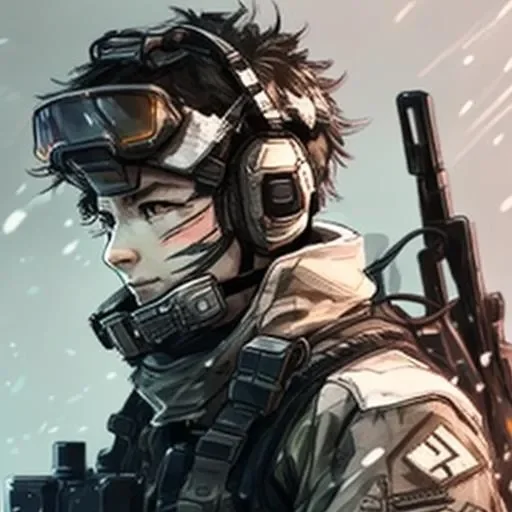
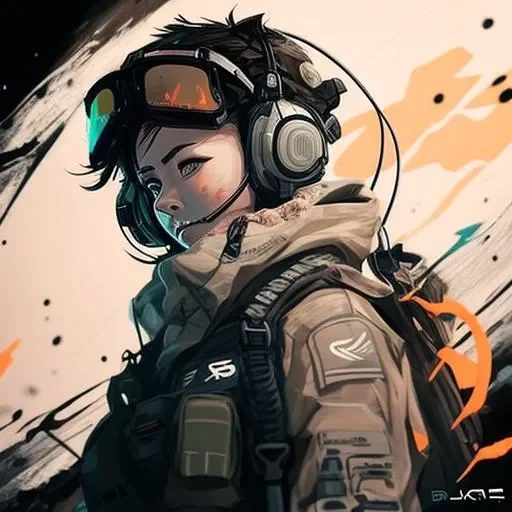
Anime Call of Duty pictures give soldiers a bright, drawn look. An anime girl with brown hair smiling softly under a tan helmet with green goggles and a headset, an anime soldier with messy brown hair, goggles and a headset with a rifle slung behind him on a snowy background, an anime soldier girl with short dark hair, orange goggles and a headset in a tan jacket, or a brown-haired anime girl in a green helmet and goggles speaking into her headset mic.
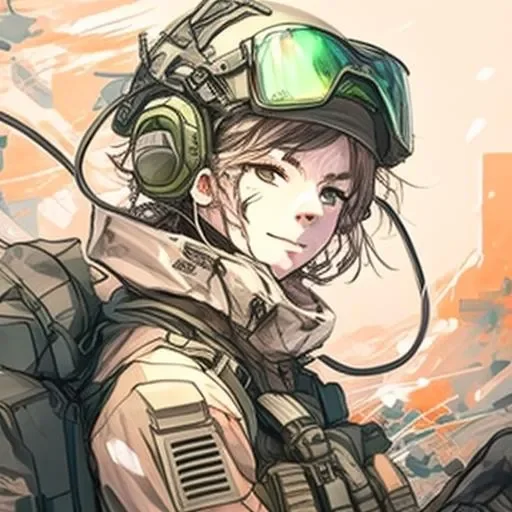
These are the pictures to pick when you want Call of Duty with a softer, more artistic feel. The tan helmets, the orange goggles, and the snowy background each stand out from the usual dark game screenshots, and the faces stay readable when the picture is cropped into a circle. Pick one when you want your profile to say COD and anime at the same time.
Call of Duty Soldier PFP
Realistic soldier pictures are the classic Call of Duty look. A soldier with short dark hair and a headset seen side-on in green tactical gear lit by a red glow, or a soldier with swept-back dark hair and a dirt-marked face staring ahead in a headset, shown in warm sepia tones.
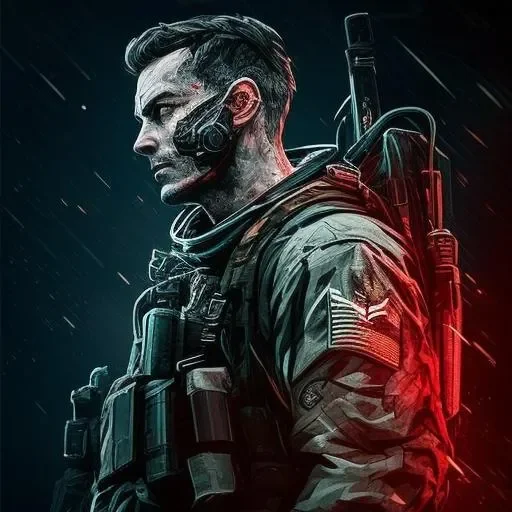
These work as avatars because they look like the game itself. The green tactical gear, the headset, and the red glow each give the picture a clear focal point, and the faces stay readable even at tiny sizes. Pick one when you want your profile to look like a soldier, not a cartoon.
Call of Duty Dark PFP
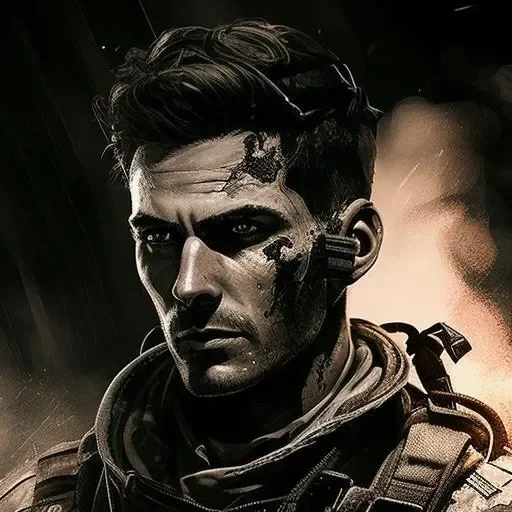
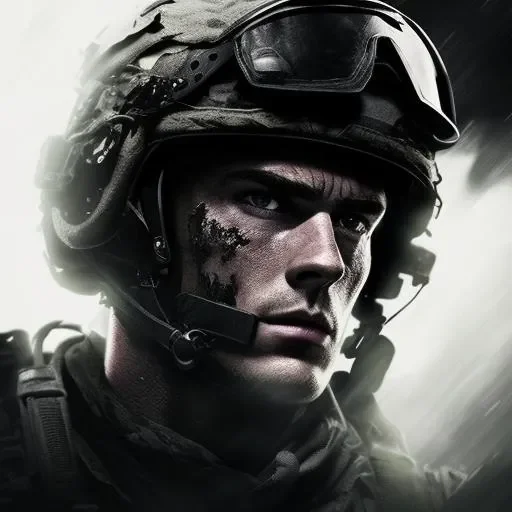
Dark Call of Duty pictures are all mood and shadow. A soldier in a worn helmet with a grimy face looking out calmly as his image fades into smoky grey and black, or a soldier in a helmet and headset glaring out with a dirty, scarred face, mostly hidden in deep black shadow.
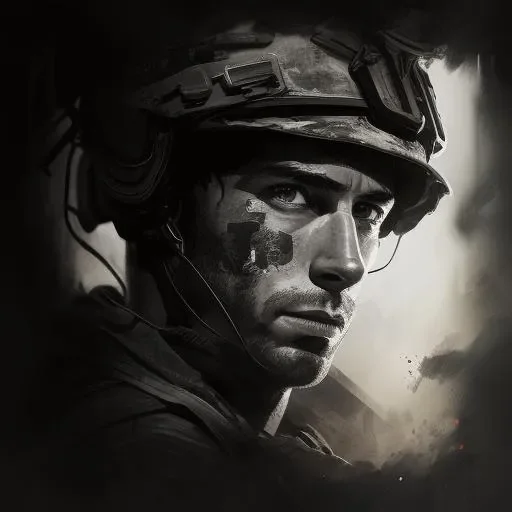
These are the pictures to pick when you want your profile to look serious and a little bit dangerous. The worn helmet, the grimy face, and the deep black shadow each make the picture feel heavy, and the faces still read clearly in a feed. Pick one when you want your profile to say you do not mess around.
Call of Duty Black and White PFP
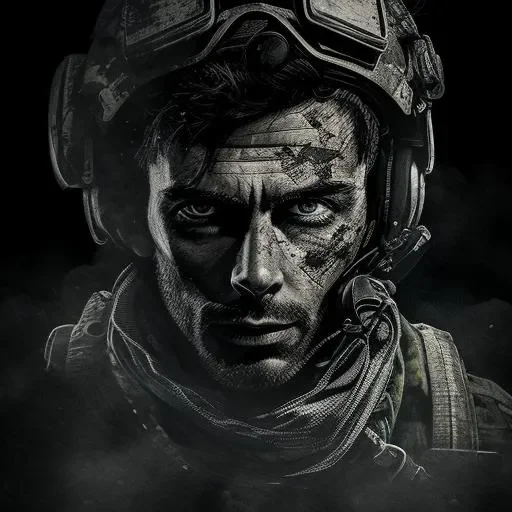
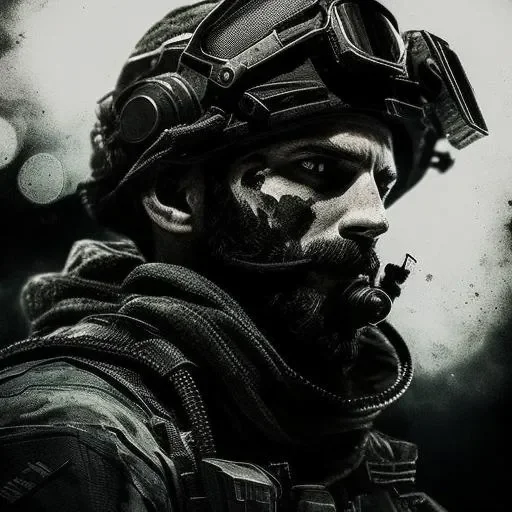
Black and white Call of Duty pictures strip the battlefield down to light and shadow. A soldier with a stern face and dirt on his cheeks wearing a cap with goggles, drawn in black and white ink strokes, a soldier with streaks of face paint wearing a helmet with goggles pushed up in smoky grey light, or a soldier in a helmet and goggles with dark paint and stubble, shown in grainy black and white tones.
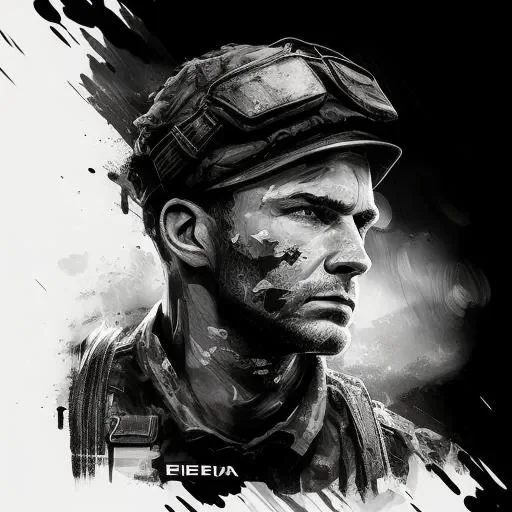
These work as avatars because black and white never looks dated. The ink strokes, the smoky grey light, and the grainy tones each give the picture a clean, artistic feel, and the portraits stay sharp when they are cropped into a circle. Pick one when you want your profile to look stylish and timeless.
Call of Duty Battlefield PFP
Battlefield Call of Duty pictures put you right in the fight. A soldier in a helmet, goggles and a breathing mask looking straight ahead, wrapped in a scarf against a smoky orange battlefield, or a soldier in a helmet and headset with goggles staring sternly ahead, lit in purple and red tones against a dark evening sky.
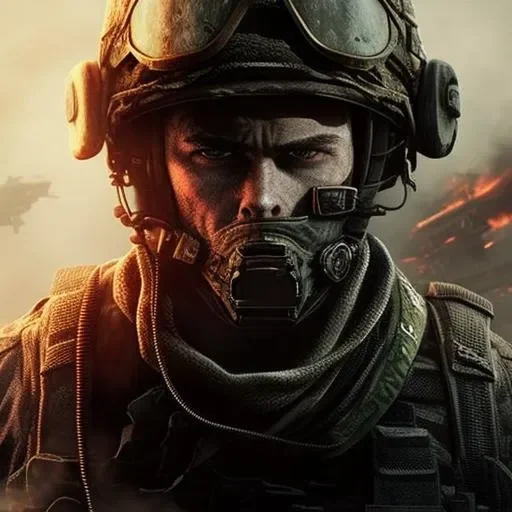
These are the pictures to pick when you want action, not a portrait. The breathing mask, the scarf, and the smoky orange light each make the picture feel like a real mission, and the strong colours pop in a feed. Pick one when you want your profile to look like you just came back from the front line.
Call of Duty Face Paint PFP
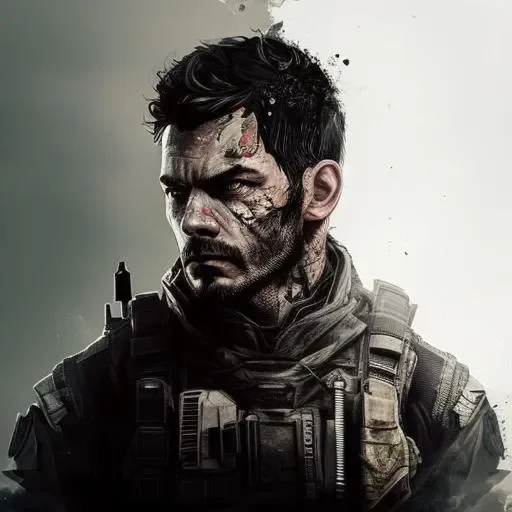
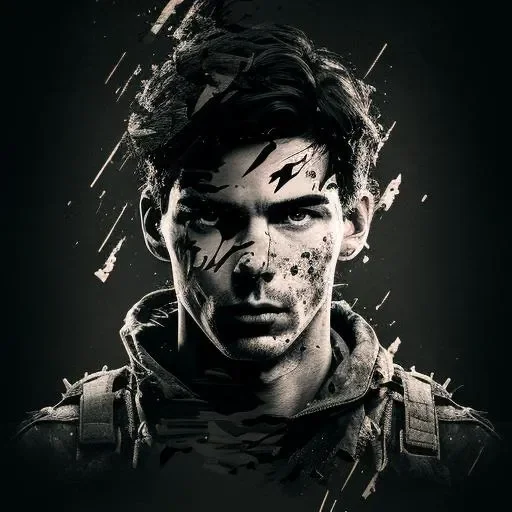
Face paint Call of Duty pictures are the grittiest of the set. A bearded soldier in a dark hood and goggles seen side-on, his face painted green and grey against a stormy teal sky, a dark-haired soldier with a scratched, dirty face looking to the side in a tactical vest against a misty grey background, or a young soldier with messy dark hair and a mud-streaked face staring ahead in tactical gear against a black background.
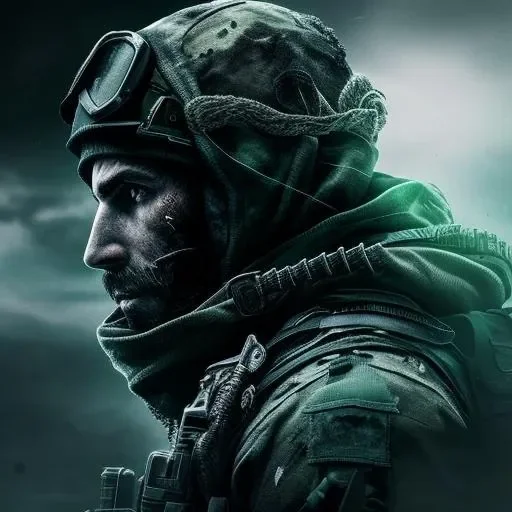
These work as avatars because the paint and the mud make every face different. The green and grey paint, the stormy teal sky, and the mud-streaked cheeks each give the picture texture, and the faces stay easy to spot at tiny sizes. Pick one when you want your profile to look battle-worn and real.
Call of Duty PFP for Discord
Discord crops every avatar into a small circle, so a Call of Duty PFP for Discord needs a clear subject and a strong look. A soldier in a helmet and headset with goggles staring sternly ahead, lit in purple and red tones against a dark evening sky, is a good example — the helmet, the goggles, and the purple and red light are all readable even at tiny sizes, and the look is unmistakably Call of Duty.
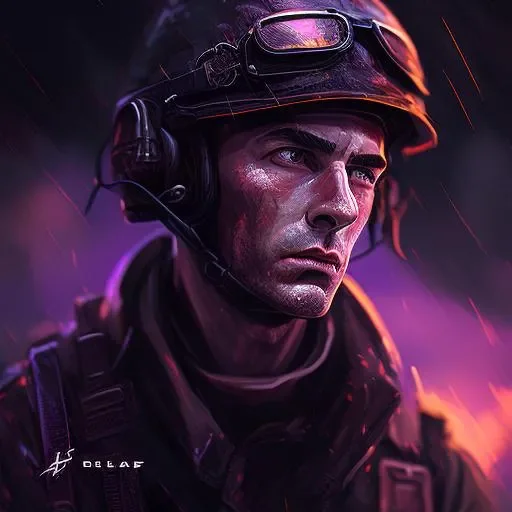
Pick a picture where the face fills the frame, not small text or fine detail. A clear face, glowing eyes, or a bright battlefield backdrop works best, because Discord avatars are often seen at 32 pixels. The Call of Duty pictures on this page are all square, which is exactly what Discord wants.
Call of Duty PFP for Instagram
Instagram also crops profile pictures into circles, so the same rules apply: a square portrait, a clear subject, and a picture that survives shrinking. A brown-haired anime girl in a green helmet and goggles speaking into her headset mic, wearing a tan combat jacket on a pale background, is the kind of picture that looks good next to photos on a personal profile.
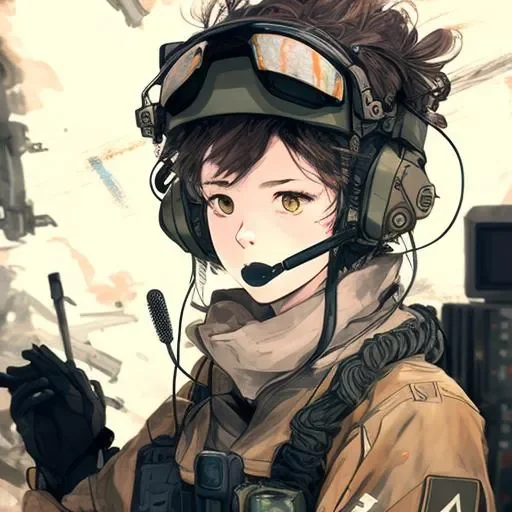
On Instagram the PFP is seen by people who may only follow one account, so it should be striking on its own, not just as part of a set. The green helmet, the goggles, and the headset mic work on their own — they feel playful, a little bit military, and very Call of Duty.
More Call of Duty PFPs
Browse the full gallery below — tap any image to view it full size, then save it as your profile picture.
Frequently Asked Questions
What is a Call of Duty PFP?
A profile picture featuring Call of Duty art — anime soldiers, realistic soldier portraits, dark pictures, black and white art, and battlefield looks — used as an avatar on Discord, Instagram, TikTok, and gaming profiles.
Are Call of Duty PFPs free to download?
Yes. Every Call of Duty PFP on this page is free to download. Tap any image to open it full size, then save it and set it as your profile picture.
Which Call of Duty PFP should I pick?
Pick the picture that matches your mood: anime soldiers for something playful, realistic soldier portraits for a classic look, dark pictures for a serious profile, black and white art for something stylish, battlefield looks for action, and face paint portraits for a battle-worn feel.
Do Call of Duty PFPs work on Discord?
Yes. Call of Duty PFPs are popular avatars on Discord, especially on gaming and Call of Duty servers. Pick a picture with a clear subject and a strong look, since Discord crops avatars into small circles.
Can I use a Call of Duty PFP on Instagram?
Yes. Instagram also crops profile pictures into circles, so a square picture with a clear subject works best. The pictures on this page are square and ready to upload.